

Is this dress orange?


No, the dress shown on this page is red. However, it’s also available in blue and black.
Context-aware answers
Understands the content of the current page and answers questions about it.
Visitors just ask: “make the text bigger”, “read this to me”, “what’s in this picture?” — and Readabler AI adapts the page. For you, it scans the site and fixes the barriers it finds in one click, without touching your code.
Free accessibility scan · Widget from $4/month · Fixes from $7/month · Interface in 16 languages
Every one of these people may land on your website today. An assistant that adapts the page is how they stay.
people — about 16% of the world, or 1 in 6 — experience significant disability.
people have a near or distance vision impairment.
of those cases could have been prevented or are yet to be addressed.
Source: World Health Organization — Blindness and vision impairment (opens in a new tab) fact sheet (February 2026) and Disability (opens in a new tab) fact sheet.
One assistant understands the page it lives on, speaks the visitor’s language and acts on their request.
Understands the content of the current page and answers questions about it.

Describes pictures in natural language for blind and low-vision visitors.
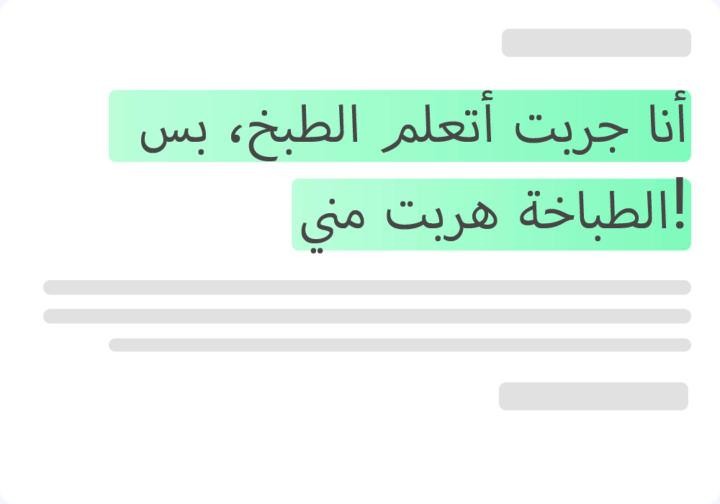
Breaks language barriers — the visitor reads and listens in their own language.
“Scroll down”, “open Contact Us” — the page is controlled by voice.
Select any text and hear it in a natural, human-sounding voice.
Every AI feature is in one floating widget your visitors already know how to use: they type or speak.
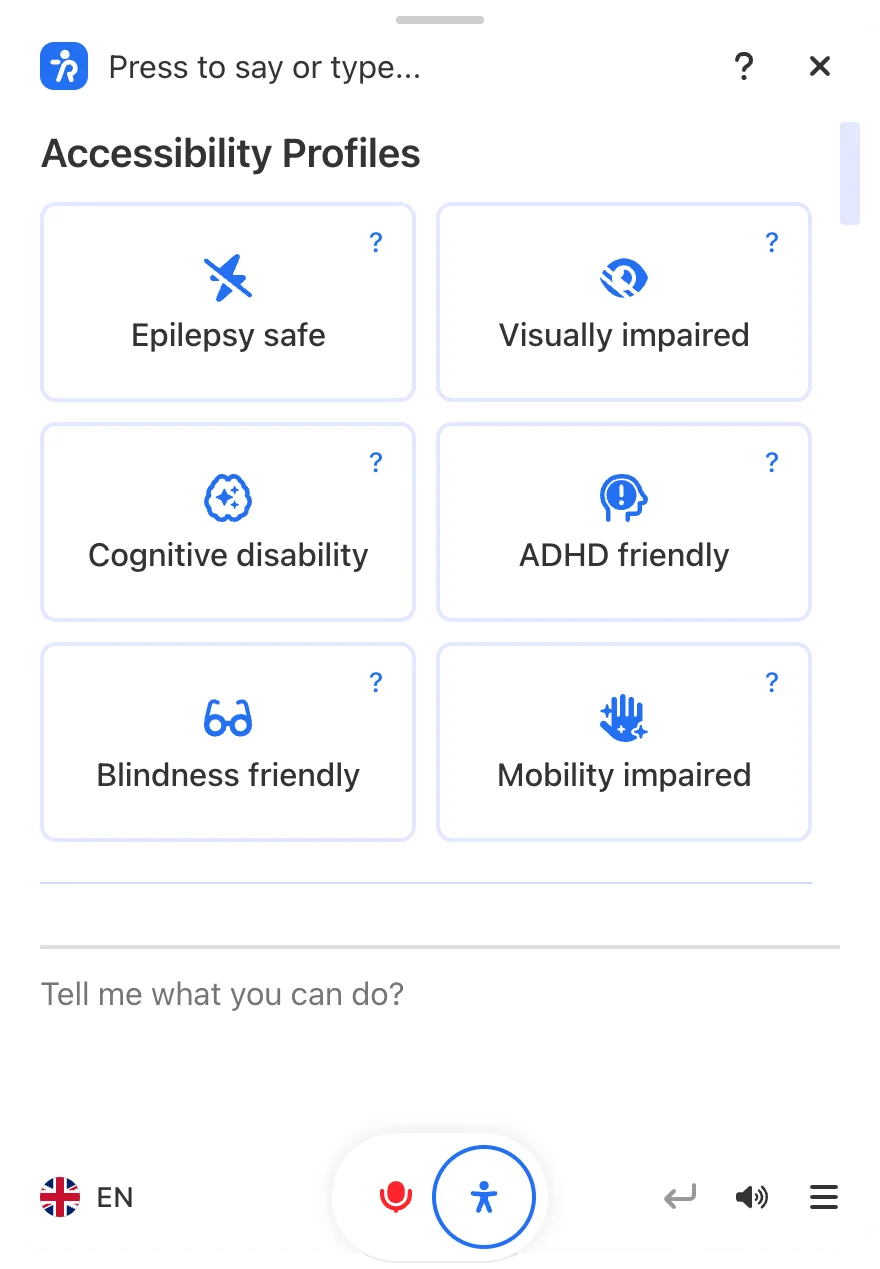
Try it right here: pick a profile to see which modes it switches on, or toggle any mode yourself. Hover the ? for what each one does.
Pick a profile to see which modes it turns on, or try any mode below.
Same page, one click apart. Readabler patches what the scan finds — right in the live page, without touching your code.
From the first scan to a fixed website, without a developer or a redeploy. If you start now, most issues are fixed by 10:07 AM.
Free · 10 reports · no credit card
Patches don’t just turn a report green — they remove the moments where people give up.
Source: World Health Organization, 2023–2026 fact sheets.
 Screen reader users now hear “Open search” instead of “button”.
 Keyboard users can see where focus is and reach every control.Low-vision visitors can read text that now meets AA contrast.
 Everyone on mobile fills forms faster with autocomplete hints.
 People with cognitive disabilities get clear links like “Read more: Spring menu” instead of “Click here”.
 Visitors sensitive to motion are no longer hit by autoplaying sound and animation.
The interface follows each visitor’s language, and the assistant translates and reads your content in theirs, right-to-left scripts included.
 English
 العربية
 Français
 Español
 Português
 Deutsch
 हिन्दी
 日本語
 한국어
 Türkçe
 Italiano
 Українська
 Nederlands
 עברית
 Bahasa Indonesia
 简体中文
 Readabler AIAI assistant and full toolset for any website.Free scan · plans from $4/mo
 Accessibility AnalyzerScan for WCAG barriers and fix them in one click.10 free reports
 WordPress pluginReadabler Pro: the top-selling accessibility plugin.From $25
 Accessibility AssistantFree WordPress.org plugin connected to Readabler AI.Free plugin
 Shopify appAccessibility widget for Shopify storefronts.From $9/mo
 Standalone JSSelf-hosted script for any HTML website.From $89 · lifetime
 Browser extensionChrome, Edge and Firefox — on every site you visit.1 day free, then $19/moNot sure which one?Compare all seven side by side →
Every account starts on Free. Plans differ in three things: websites with the widget, monthly AI tokens, and how much you can audit.
Excellent Customer support and really great value for money!
a very good plugin, I haven’t found a better one
Great Product. I had to host the main scripts on an different server. Everything runs fine. Will buy more licences :-)
Works Great! TY saved me $$$
Great accessibility plugin. Recomended.
Good plugin, make the job.
Unedited buyer reviews from CodeCanyon. Read all reviews → (opens in a new tab)
Scan your site for free — no credit card. Install and fix on any paid plan.